![Metron-icon-diagram-2.png]](https://www.metronlab.com/hs-fs/hubfs/Metron-icon-diagram-2.png?height=40&name=Metron-icon-diagram-2.png)
We focus here on the actions available in the orange box numbered 5 :
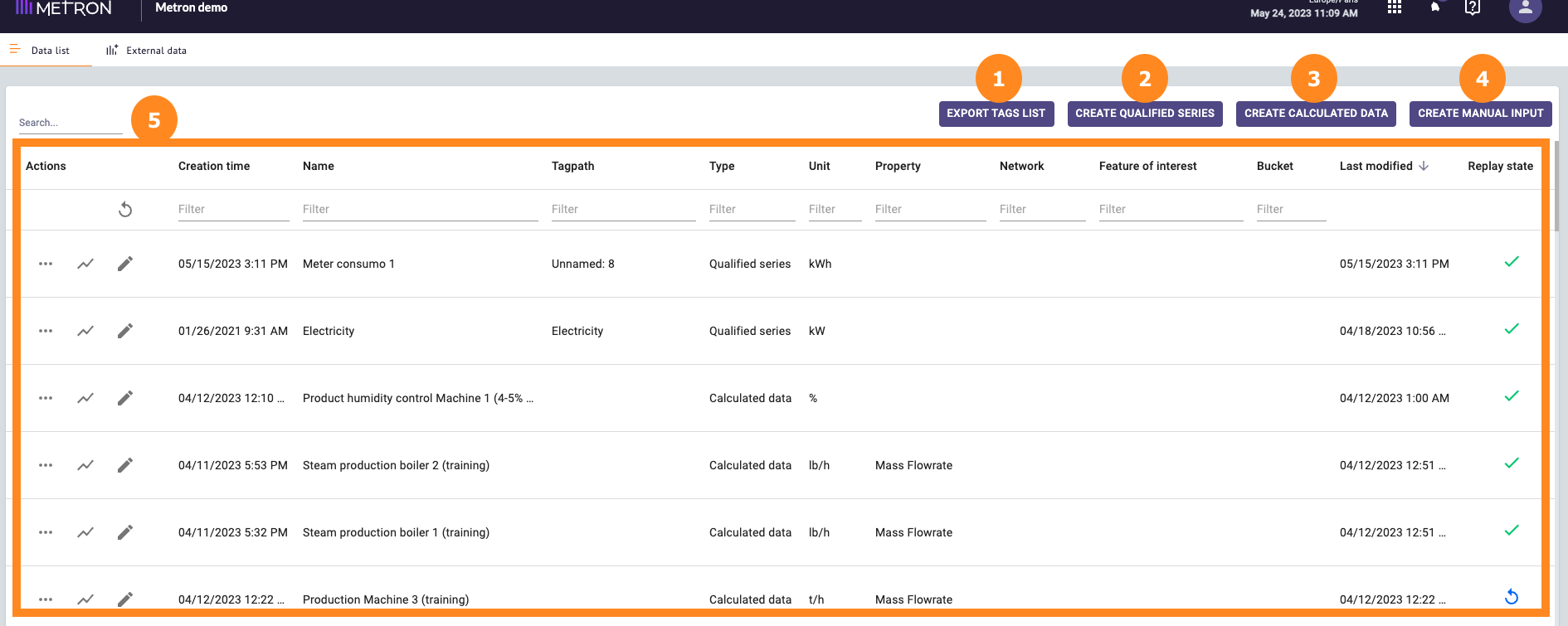
In the Data source workspace, the list of tags (data set) you can see are all qualified or calculated series (as you can see in the "Type" column).
For each tags / series, you can:
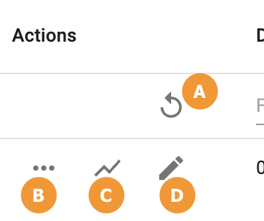
A. Replay the cache for all series  : Replay the cache of all series.
⚠️ Be careful, this action can take up to 24 hours.
When you click on it, an alert message appears with the possible consequences:
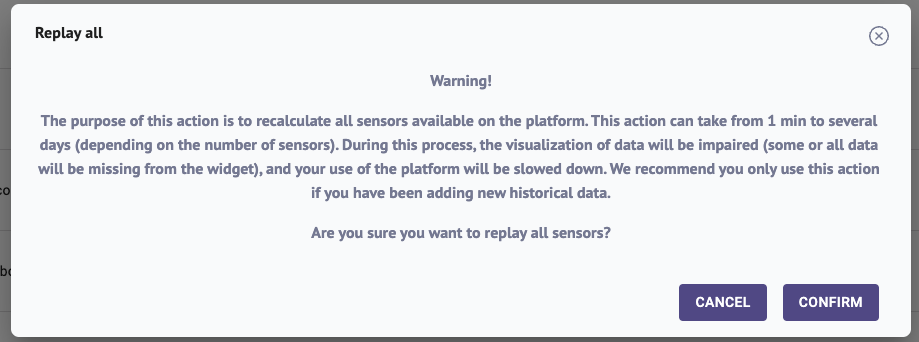
This button is only visible is you have an "Admin managers" access.
B. By clicking on "..." you can perform up to 6 actions depending on the type of series:
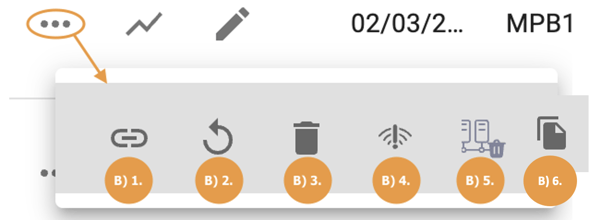
B) 1. Copy the tag path : By clicking on , the unique identifier of your tag, called "tagpath", will be automatically copied in your clipboard.
Copy the tag path is particularly useful to communicate with METRON on a particular tag.
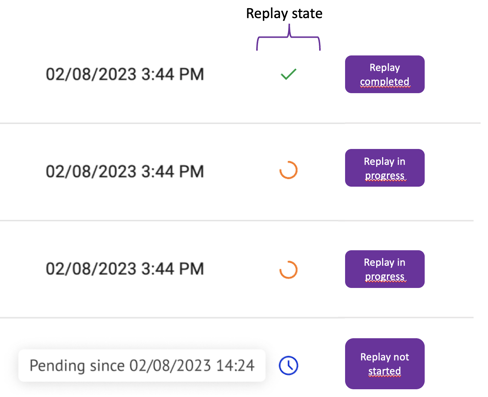
B) 2. Replay series' cache : To speed-up the data visualization, data are memorized on a temporary memory (=cache) that is updated periodically. In detail, the cache is replayed automatically:
- every 5 minutes on the previous hour,
- every hour on the previous 48 hours,
- every day on the previous 40 days.
This icon allows a manual replay. The manual replay allows the aggregator to go through all the raw data and apply the calculation, defined in your tag, to gather them at the minimum granularity per minute. The replay operation can have different states :
B) 3. Delete a tag: Click on the button " " to delete a tag.
This deletion only affects the tag qualification, not the raw data.
B) 4. Set a data connection alerts  : set up an alarm to be notified directly by email in case of data connection issues with the tag selected. See article on Data Collection Alerts.
Data connection alerts only works for qualified series and Metronlab devices.
B) 5. Delete all or part of the raw data of a qualified series  : Read the article on Data Deletion.
Works only for qualified series from Process and Data Science sources.
B) 6. Duplicate you tag  : particularly useful when several of your equipments use the same expression.
Tag duplication only works for calculated series.
C) Preview Data 
Using the "Graph" button get a quick overview of your variable over a defined time period.
D) Edit your tag 
Click on the "Pencil" button to access the tag editing menu.
Additional information
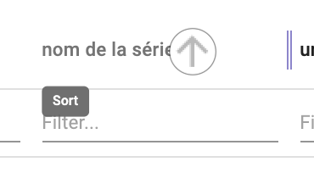
You can also sort your data according to the different columns by clicking on the arrow next to the column name.
The search bar, on the top left of your page, allows you to search for a tag among the list of all the qualified tags and calculated series of your platform. If you cannot find the tag you are looking for, please contact the METRON operations engineer in charge of your project.