![Metron-icon-diagram-2.png]](https://www.metronlab.com/hs-fs/hubfs/Metron-icon-diagram-2.png?height=40&name=Metron-icon-diagram-2.png)
This feature is only available to admin users (Metron Ops Engineer role).
💡 Importing a dashboard template enables you to reproduce a dashboard template from one platform to another via an import, without having to recreate it manually. 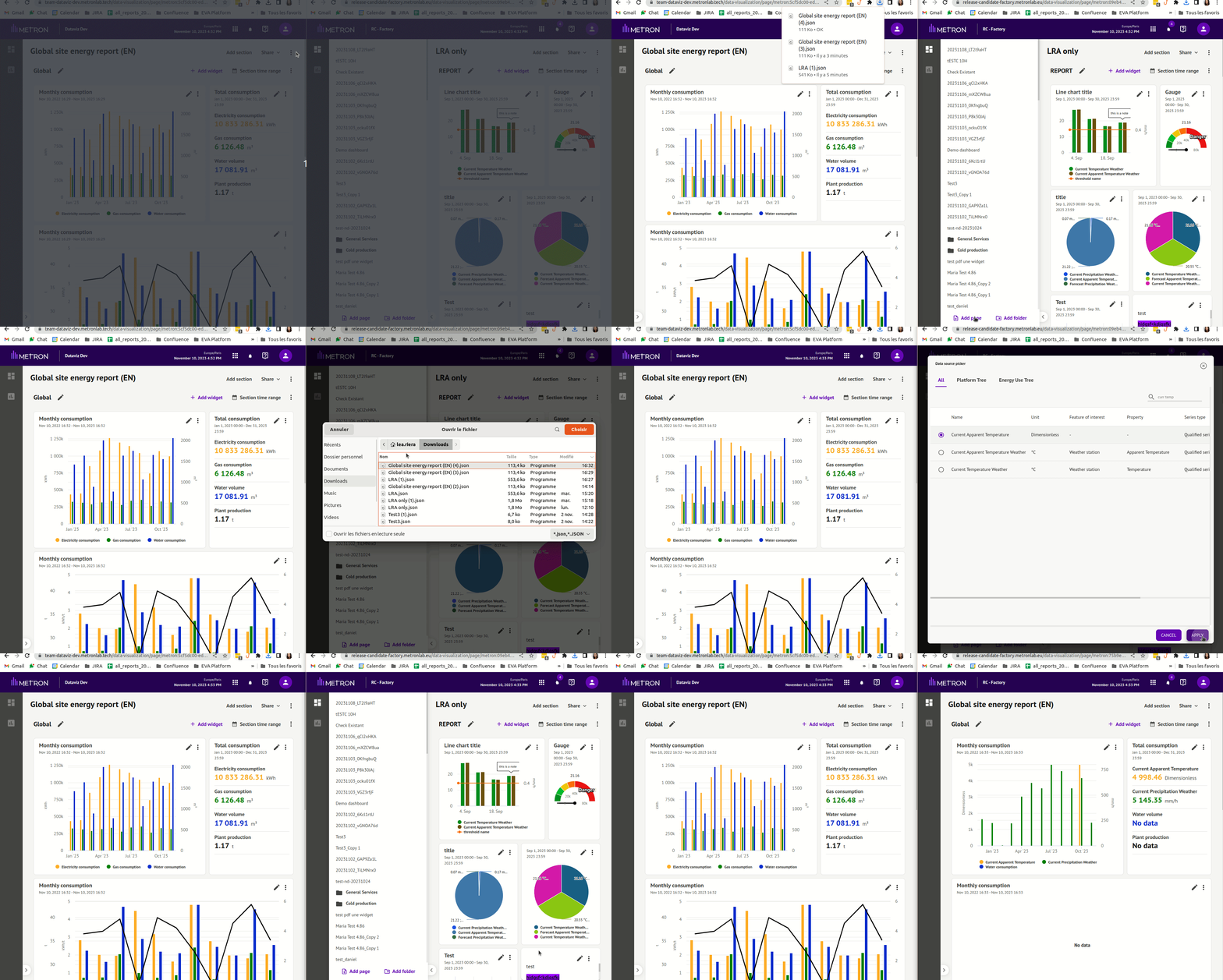
➡️ How do I import an existing dashboard template from another platform?
- Platform A = original platform containing the dashboard whose template you wish to reproduce
- Platform B = destination platform where you wish to import the template
From platform A: click on "Download as template": this will launch the download of a JSON file of the dashboard configuration (this file is not intended to be opened, just used).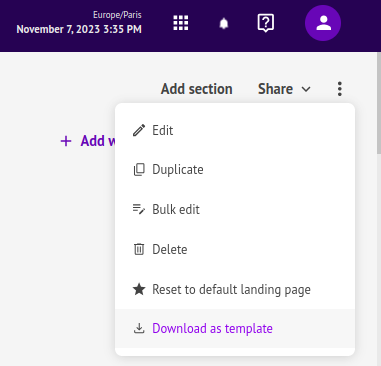
On platform B: Click on the "Add page" button: 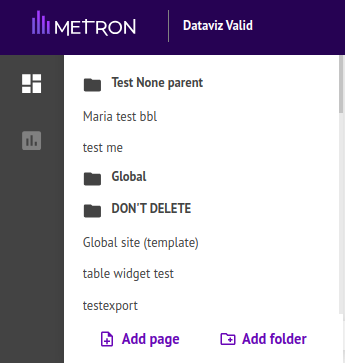
Add a title and select "Template" as dashboard type:
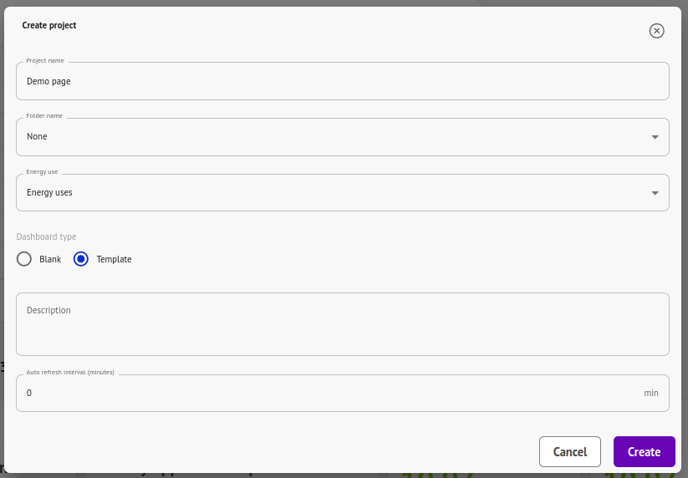
You will be asked to select the dashboard configuration file you downloaded from Platform A: 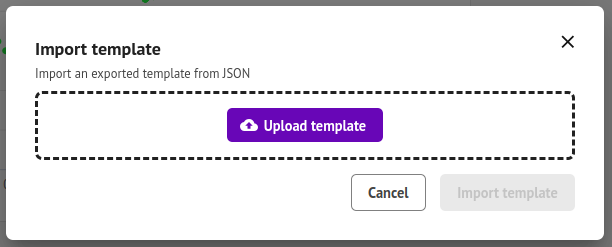
Once the file has been selected, a "Replace data sources" window opens automatically to match :
- Platform A data sources
- and Platform B data sources :
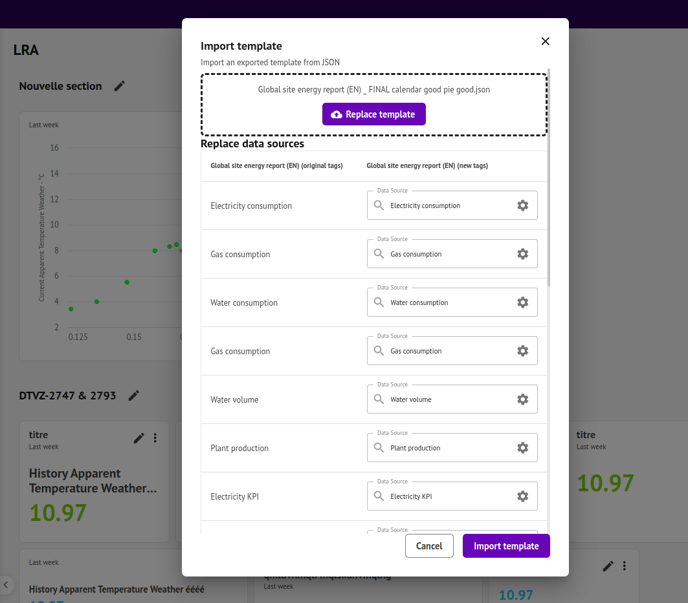
Note: if a data source doesn't exist in Platform B but does exist in Platform A, you can leave the field as is, it will still create the widget with an empty data source so you can add the information after the fact if necessary.
🎉 Once you've clicked on the "Import template" button, the creation of the dashboard will be launched from the information you've configured.